 AI Keyboard
No key needed for: typing, Japanese and Chinese typing, offline SenseVoice dictation, Android speech dictation and the on-device writing-style model.
Which one should I use?
| Groq | Gemini | On-device | |
|---|---|---|---|
| Speech to text | Whisper large-v3, in pause-aligned chunks | Gemini 3.1 Flash Live, streamed | SenseVoice (offline), or Android speech |
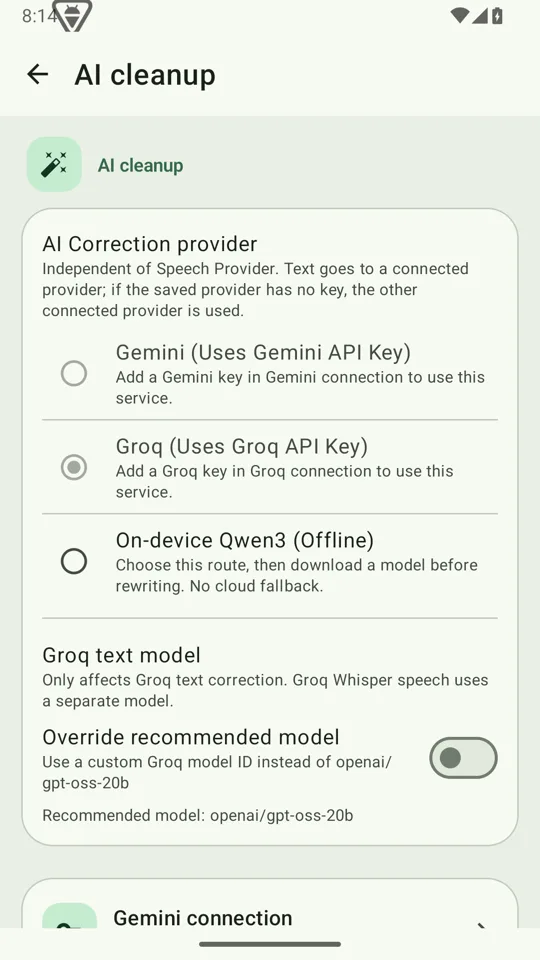
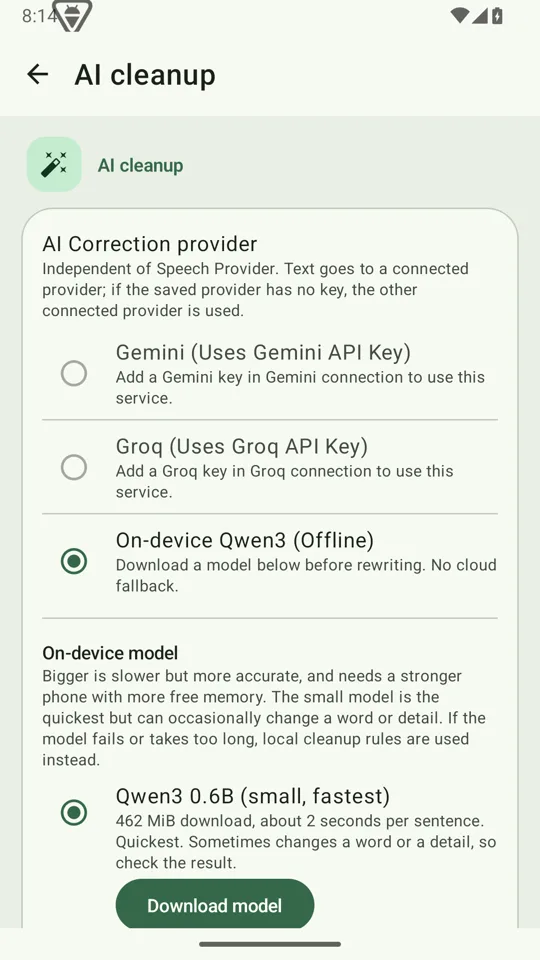
| Writing styles | GPT-OSS 20B by default; pick another model if you like | Gemini 3.5 Flash-Lite by default; pick another model if you like | Qwen3 0.6B or 1.7B |
| Needs a key | Yes | Yes | No |
| Needs network | Yes | Yes | No (one-time model download) |
| Guide | Get a Groq key | Get a Gemini key | On-device options |
A reasonable start: get a Groq key for fast cloud dictation and rewriting, and add the offline pack for when you have no signal. Both providers have free plans with usage limits; limits and prices change, so check their pages.
How your key is used
- You paste it into Settings → Cloud & privacy (or the setup wizard). It is stored encrypted on your device.
- Requests go from your phone straight to the provider. AI Keyboard has no server in between.
- The keyboard rewrites with whichever provider actually has a key, so a fresh Groq-only setup works without further steps.
- Clearing a key asks for confirmation first.
- A usage screen in Cloud & privacy shows tokens in and out, request by request, so you can see what you are using.
What will it cost?
For everyday use, very little. The cost estimator turns your minutes of speech per day into a rough monthly figure for Groq and Gemini. The Android speech service, the offline pack and the on-device model are free.
AI Keyboard is not affiliated with Google or Groq. Their prices, free tiers and sign-up screens are theirs to change; the official pages always win.