 AI Keyboard
Keep your key private. Do not share it or post it publicly, and never commit it to Git.
Steps
You need a Google account.
- Open Google AI StudioGo to ai.google.dev/gemini-api and choose Get a Gemini API key, or open aistudio.google.com/apikey directly. Sign in with your Google account.
- Accept the termsIf AI Studio asks you to agree to its terms, read them and continue.
- Create the keyOn the API keys page, choose Create API key. If it asks for a project, pick an existing Google Cloud project or let it create one for you.
- Copy itUse the copy button and save the key somewhere safe. You can always come back to the API keys page to copy it again or create a new one.
- Paste it into AI KeyboardOpen Settings → Cloud & privacy → Gemini connection (the setup wizard has the same field), paste the key and save.
Turn it on
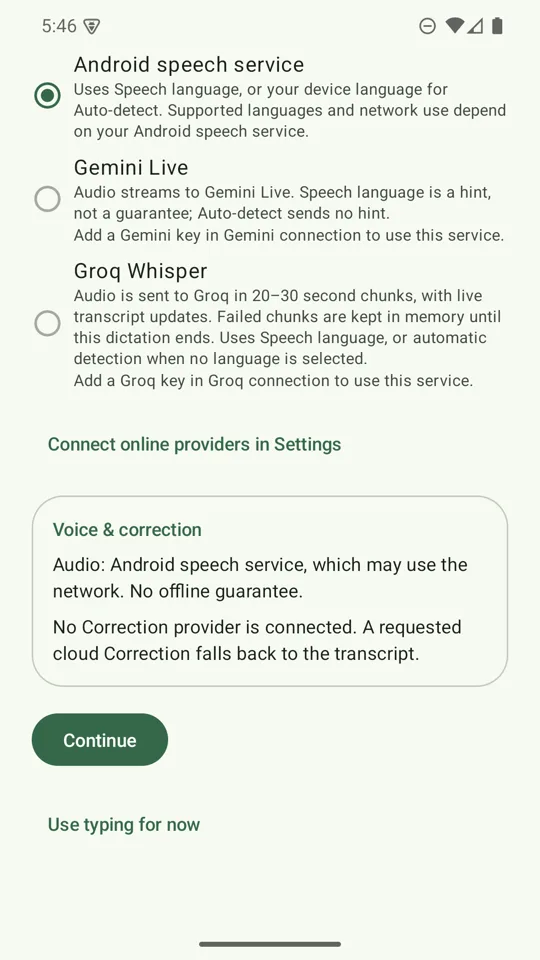
- Dictation: Settings → Dictation → Speech provider → Gemini Live. It uses
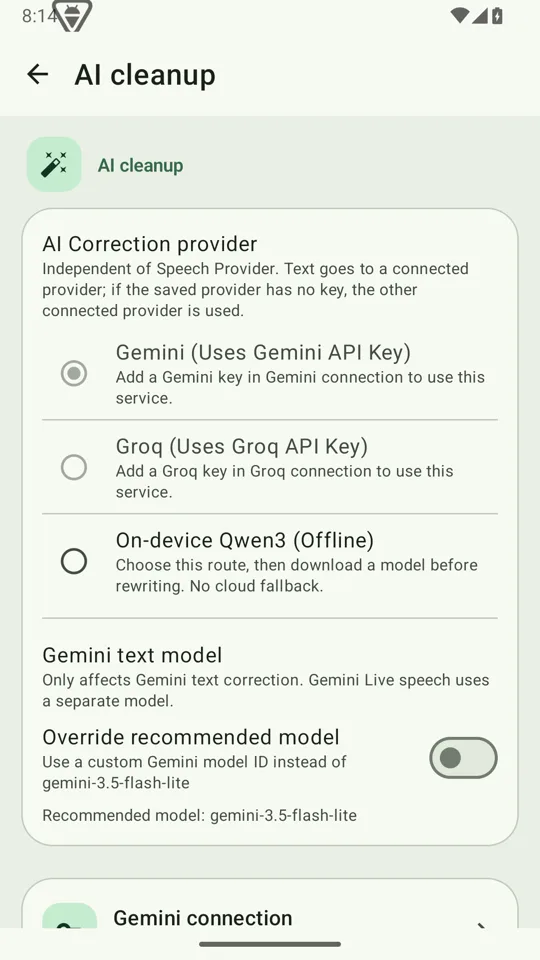
gemini-3.1-flash-live-preview, and Settings names the model in the provider list. - Writing styles: Settings → AI cleanup → Gemini. The recommended model is
gemini-3.5-flash-lite. Fetch the models your key can use to pick another, or enter a custom model ID.
Gemini Live delivers its transcript at pauses rather than word by word, so the live preview updates in bursts. A long sentence can take several seconds before its first words appear; the keyboard waits for it.
Free tier and cost
Google offers a free tier for these models with usage limits, and a paid tier billed per token. As of October 2026 Google lists Gemini 3.5 Flash-Lite at $0.30 / $2.50 per million input / output tokens and Gemini 3.1 Flash Live at $3.00 per million audio input tokens and $4.50 per million text output tokens. The free tier can be quota-limited, which is worth knowing before you rely on Gemini Live. See the cost estimator, and Google's official pricing page for current numbers.
What goes to Google
With Gemini Live as your speech provider, audio is streamed to Google while you speak. With Gemini as your writing-style provider, the text you ask it to rewrite is sent. Both use your key and nothing passes through an AI Keyboard server. Google's terms apply to what it does next; on the free tier Google may use submitted content to improve its products, so check the Gemini API terms. If that matters to you, use a paid-tier key, offline dictation and the on-device writing model.